Plank timer with sets
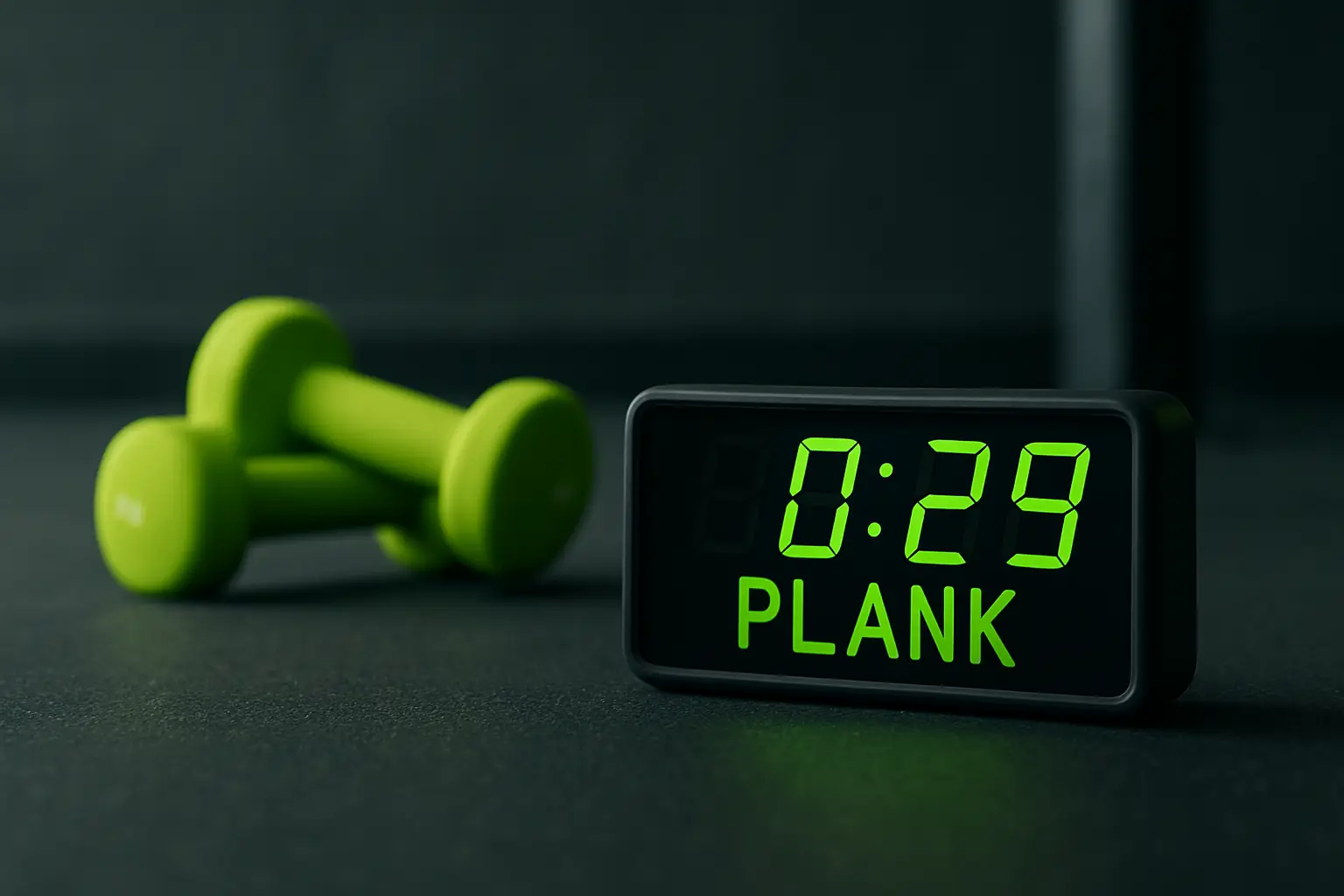
A plank timer can keep a session moving through work and rest intervals, but it cannot see how a plank looks. Abs Rank is a timer and session log; it does not select exercises or provide form coaching. Its work timer runs for 60 seconds per set, with reps, sets, and rest configured in the app.
Use a timer for plank sets
- Choose your exercisePick a plank variation from your own routine; Abs Rank does not choose movements.
- Configure the sessionSet reps, sets, and rest using the options in Abs Rank. Work intervals run for 60 seconds.
- Use the timer controlsPause, resume, or skip while the session is running.
- Review the recordCheck session history and charts. They record sessions, not posture or technique.
What the timer can tell you
A timer can show that an interval has elapsed and help keep selected rest consistent. It cannot confirm shoulder, hip, or back position.
Choose a variation and exercise instructions separately. Abs Rank does not provide a plank demonstration, form cues, or a posture score.
Use the settings you already chose
Configure reps, sets, and rest in the app. The work timer is 60 seconds per set; Abs Rank does not select a plank duration or recommend a progression.
Pause, resume, or skip as needed during a session. If you use a separate written routine, follow its instructions rather than treating a countdown as coaching.
Review session history
Session history and charts let you look back at recorded sessions. They do not evaluate form, decide whether a session was effective, or choose what to do next.
The separate browser tools on this site are not synced with the iPhone app.
Review timed sessions in Abs RankQuestions
Does Abs Rank show whether my plank form is correct?
No. It provides a timer and session history, not camera-based checks or form coaching.
Can Abs Rank choose a plank routine?
No. You choose the exercise and configure reps, sets, and rest.