Affirmation widget on iPhone home screen
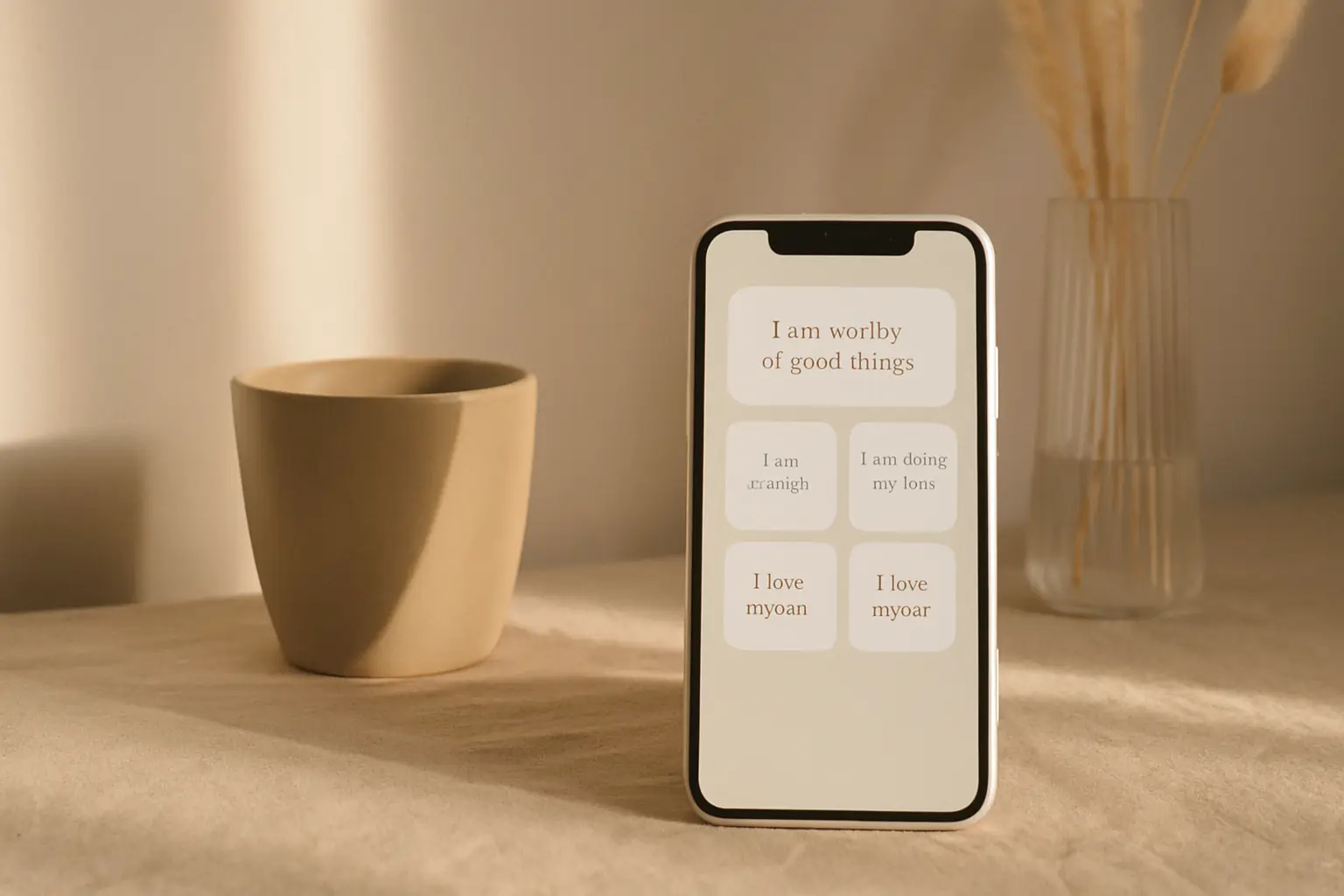
An affirmation widget only helps if you see it before distraction apps. Place it on the first home screen page, pick a short line you believe, and refresh it on a schedule that matches your morning routine. Widgets fail when they sit on page three behind folders you never open. Treat placement like product design: the quote should be the first thing your eyes hit when you unlock. Shine makes setup fast, but the habit still depends on honest words and a spot you actually glance at daily.
Add an affirmation widget
- Long-press the home screenTap the plus icon, search for Shine, and pick a widget size.
- Pick a widget sizeSmall fits one line; medium shows category and quote together.
- Choose affirmationsSelect the affirmation category and a design with strong contrast.
- Place it above the foldPut the widget on page one, top row, before social and email icons.
Pick affirmations you can repeat without cringing
Generic lines fade fast because they do not connect to anything you are working on. Choose affirmations that match a real goal: calm before meetings, patience with kids, or confidence on camera. If the words feel fake when you read them half awake, you will stop noticing the widget within a week.
Start with one widget and one category. Affirmations work better when the line stays stable for several days instead of changing every hour. Stability lets the sentence move from reading to remembering without feeling like noise.
Write a one-line note about why you picked the affirmation. Keep it in Notes or on paper. When motivation dips, the reason matters more than the font on the widget.
iOS widget stacks can hide smaller blocks behind Smart Stack rotations. Pin Shine or place it outside stacks on page one if you notice quotes disappearing on busy days.
If you change jobs or seasons, update the affirmation category. Words that helped during exam week may feel wrong during vacation, and that mismatch kills the habit faster than a boring font.
Widget refresh schedules can align with weekday commutes. Match updates to mornings you actually unlock the phone, not idealized 5 a.m. routines from blog posts.
Design for glance reading
Use high contrast text and a calm background. Busy wallpapers behind small widgets make quotes hard to read at arm's length. Test daylight and night mode because both show up across a normal week.
Medium widgets can show the category label so you know whether you are reading gratitude, motivation, or mindfulness without opening the app. Labels also help when you run two Shine widgets with different purposes.
Premium packs in Shine add layouts when you want variety without rebuilding the widget. Rotate design monthly if you notice yourself ignoring the same block of text.
Night Shift and True Tone change how colors look at evening. Re-check contrast once if you read affirmations before bed and the text feels harder to parse.
Family photos as wallpaper can clash with text overlays. A semi-solid widget background often beats transparency when your wallpaper is a busy memory you still want to keep.
If affirmations feel awkward aloud, read silently but slowly. Speed-reading defeats the pause the widget is meant to create between unlock and inbox.
Add an affirmation widget in ShineBuild a morning habit around the widget
Read the line once before unlocking into email. Pair it with an existing habit like coffee or brushing teeth so you do not rely on willpower alone. The widget is a cue, not a full meditation session.
When the quote stops landing, swap the category or design in Shine instead of deleting the widget. Fresh visuals often restart attention better than new words alone.
Track two weeks of consistency before you judge results. Affirmations feel subtle at first. The win is noticing the line at all, not forcing a mood swing every morning.
Affirmations land better when spoken once under your breath. Silent reading works, but whispering the line can make it feel real without performing for anyone nearby.
Delete duplicate reminder apps if Shine covers the same job. Competing quotes at the same hour train you to ignore all of them.
Questions
How many affirmation widgets should I use?
One on the home screen is enough for most people. Add a lock screen widget later if you want a second reminder.
Can I write my own affirmations in Shine?
Use built-in categories first. Custom lines may arrive in future updates; check the app for current options.