Daily motivation quotes widget
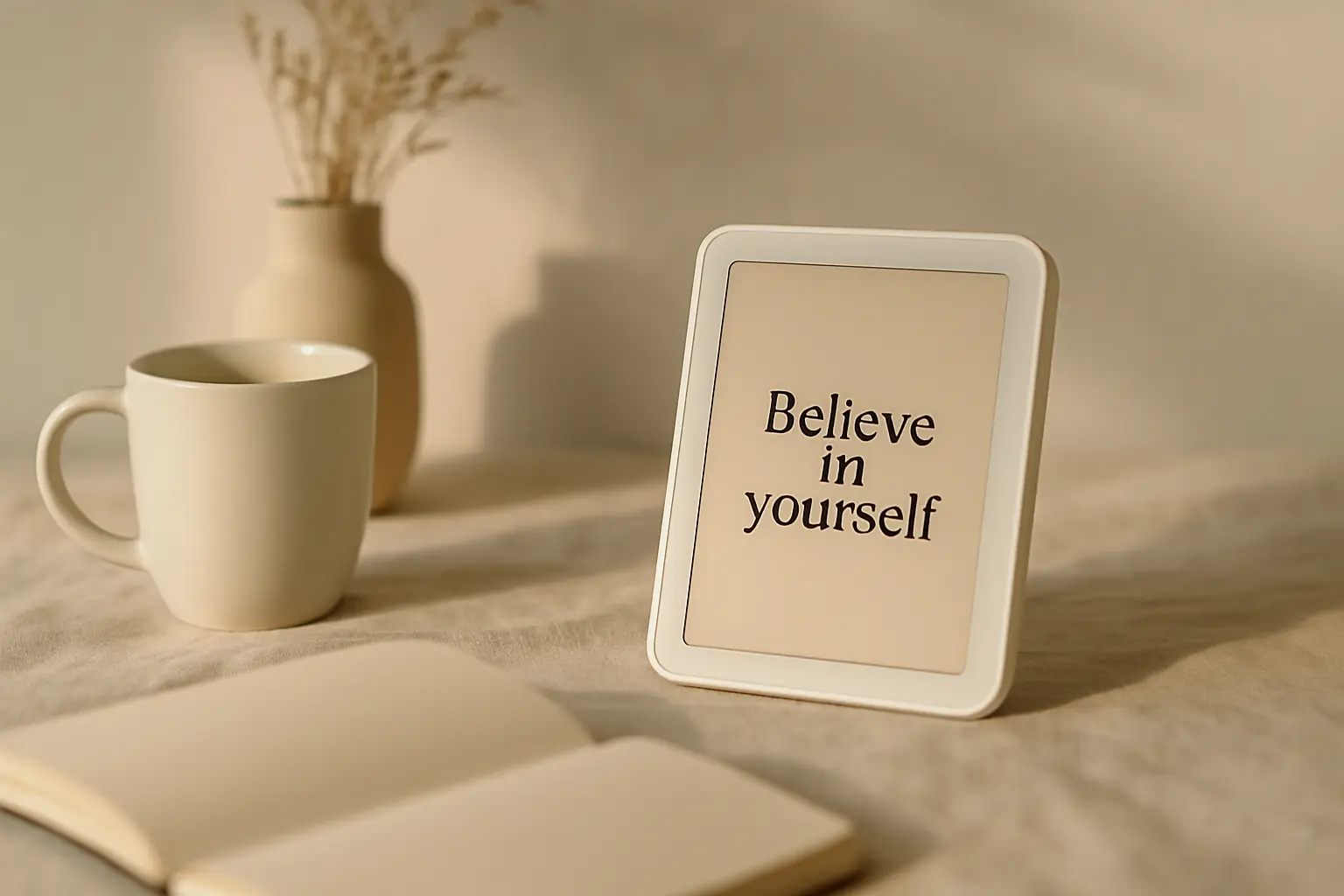
Motivation quotes work when they appear at the moment you need a nudge, not buried in a saved folder. A widget on your home or lock screen delivers one line on a schedule you control. The goal is a quick read before you open feeds or inboxes that drain focus. Shine handles refresh and design; you handle placement and picking quotes that match the hard hour of your day.
Set up daily motivation quotes
- Add a Shine widgetChoose home or lock screen placement with readable contrast.
- Select motivation categoryPick quotes aimed at action, focus, and showing up.
- Set refresh timingDaily morning refresh fits most routines; adjust if needed.
- Review weeklySwap design or category if you stop noticing the widget.
Match quotes to your actual day
Morning motivation differs from mid-afternoon slump support. If you train early, pick quotes about discipline and showing up. If your hard hour is late evening, choose lines about finishing what you started instead of generic hustle text.
One widget with a steady refresh beats five apps sending push alerts. Glance reading keeps the tone light instead of guilt-heavy. Notifications feel like tasks; widgets feel like a sign on your desk.
Seasonal shifts matter too. January lines about new starts feel tired by March. Swap category to gratitude or mindfulness for a week, then return to motivation when the words feel fresh again.
Motivation widgets compete with badge counts on mail icons. Place quotes above or beside those icons so the first tap is intentional rather than reactive.
Students can pair motivation widgets with calendar widgets. Seeing both deadline and encouragement in one glance reduces opening TikTok just to feel oriented.
Desk workers can pair motivation widgets with focus timers. The quote sets intent; the timer bounds the next work block without opening another app.
Rotate designs to keep attention
The same font and color for months becomes wallpaper. Shine premium packs add layouts so the quote stays visible even when your brain stops reading familiar text. Change visuals before you change the whole habit.
Keep text short. Motivation widgets fail when they cram a paragraph into a small square. One idea per refresh is enough for a lock screen glance.
Try pairing a bold background with simple type when your wallpaper is busy. Legibility wins over decoration every time on small sizes.
Travel days distort routines. Switch to shorter quotes or mindfulness category when time zones shift so the widget does not feel like homework on vacation.
If a quote triggers guilt instead of action, swap it. Motivation should feel like a nudge, not a scold, especially on hard mental health days.
Rainy weeks may call for gentler copy. Harsh hustle quotes on low-energy days backfire; switch category temporarily instead of forcing the same tone.
Try daily motivation quotes in ShinePair quotes with one small action
After you read the line, do one tiny task: send the email, lace your shoes, or open the document. The quote opens the door; the action builds momentum. Without action, motivation widgets become passive wallpaper.
Track whether you still notice the widget after two weeks. If not, move it to the lock screen or change category before you abandon the habit entirely.
Share the setup with a friend if accountability helps. A photo of your home screen layout is often enough to compare placement ideas without oversharing personal quotes.
Athletes often want pre-workout lines. Pick quotes about showing up, not winning, so a bad session does not feel like betraying the widget message.
Weekly review beats daily tinkering. Change design or category on Sundays instead of editing widgets every time motivation dips midweek.
Questions
How often should motivation quotes refresh?
Once per day is enough for most users. More frequent changes can feel noisy.
Are premium packs required for motivation quotes?
No. Free designs cover motivation quotes. Premium adds extra visual styles.