Lock screen positive quotes
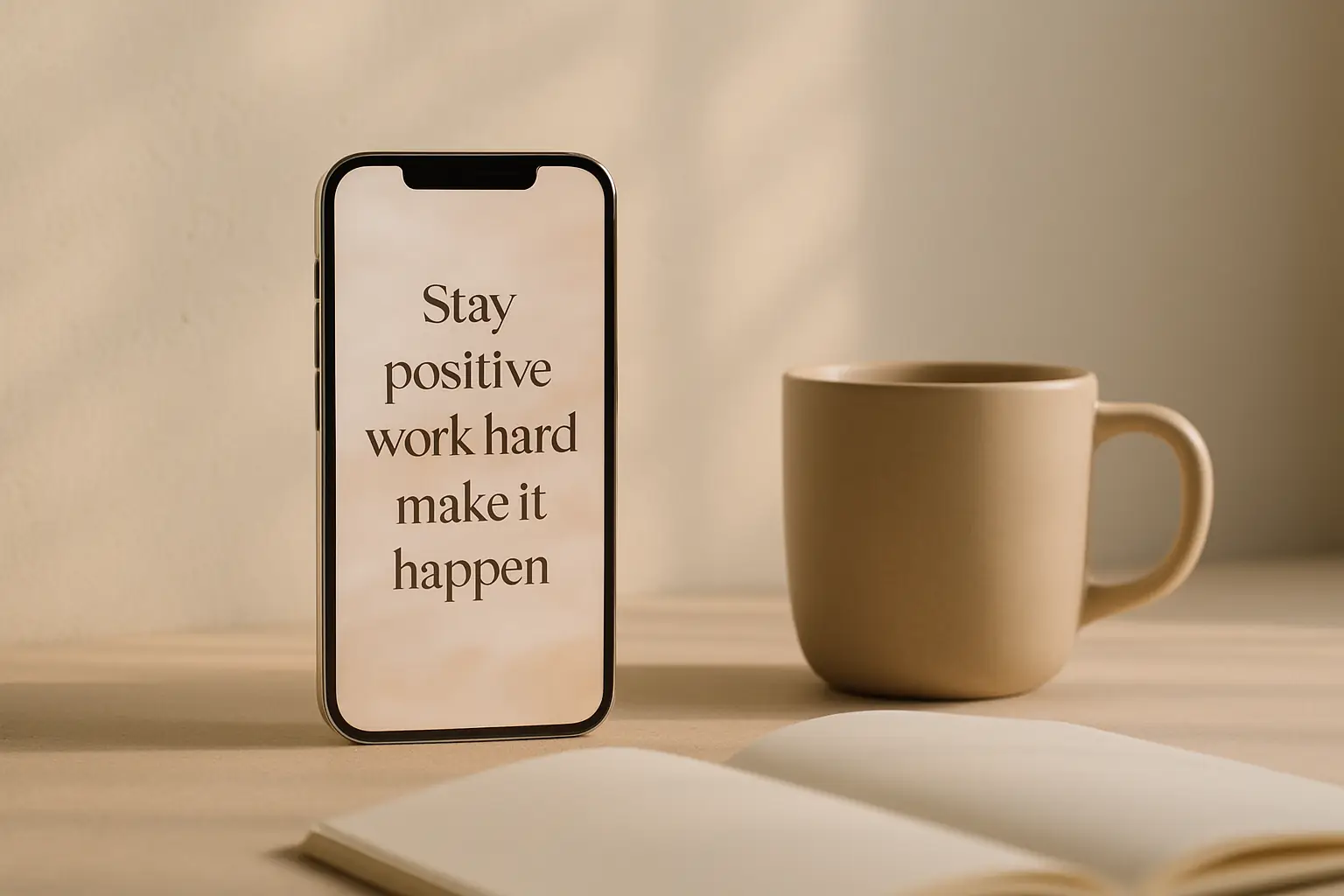
The lock screen is the highest-traffic surface on your phone. A positive quote there reaches you before feeds and inboxes. One well-placed Shine widget can set tone for the whole day without adding another app to open. Short lines and strong contrast matter more here than on the home grid because wallpaper photos vary and space is tight.
Add lock screen positive quotes
- Long-press the lock screenTap Customize, then Lock Screen in iOS.
- Add a Shine widgetPick small or inline placement below the clock.
- Choose category and designAffirmations, motivation, or mindfulness all work here.
- Test readabilityCheck the quote on your wallpaper in bright and dim light.
Keep copy short for lock screen space
Lock screen widgets are narrow. One sentence beats a paragraph. If a quote wraps more than three lines, pick a shorter line or a larger widget slot below the clock.
High contrast matters more here because wallpaper photos vary. Solid backing or strong text shadow improves legibility when your photo background is busy.
Preview with Focus modes enabled. Work and personal lock screens can differ; verify the widget appears where you expect in each mode.
Emergency alerts and ride-share notifications still appear above widgets. Expect interruptions and do not treat the lock screen as a private diary strangers will never glimpse.
Couples with shared lock screen photos should pick quotes both people tolerate. Neutral encouragement beats inside jokes that confuse guests borrowing the phone.
CarPlay and lock screen widgets interact indirectly. If you mostly unlock in the car, verify legibility through polarized sunglasses before committing to a font.
If your wallpaper is a bright beach or snow photo, dark text without a panel will disappear. Add a solid backing or switch designs until the quote remains readable at arm length.
Rotate categories by season
Motivation fits Monday mornings. Gratitude fits holidays or stressful weeks. Mindfulness fits travel days. Change category in Shine instead of buying a new app for each mood.
Premium design packs help when your wallpaper changes often. A flexible layout adapts without rebuilding the widget from scratch every month.
Keep a backup design you liked last season. Switching back is faster than hunting for a new pack when you are busy.
Face ID unlock speed means you might only see the quote for a second. Shorter lines outperform paragraphs because reading time is tiny.
Athletes using workout lock screens can switch to motivation category on gym days only if iOS Focus allows separate lock layouts.
Quote widgets can complement Apple Watch complications if you use both. Watch for quick glances; lock screen for slightly longer reads before Face ID.
Add lock screen quotes in ShineProtect focus with calm refresh rates
Daily refresh is enough for most lock screens. Constant churn makes the line feel like spam rather than a gentle cue.
If you use Focus modes, check that the lock screen still shows the widget in work and personal setups. Placement survives mode changes but worth verifying once after updates.
Pair lock screen quotes with a home screen widget only if you need two reminders. One strong placement often outperforms duplicated text you stop reading.
Winter gloves and summer sunglasses change how quickly you read outdoor. Test legibility in both if you unlock on the street often.
When flying, airplane mode still shows cached widget text. Download or refresh quotes before long flights if you rely on them for timezone shifts.
Treat the lock screen quote as a cue, not a feed. One calm line each morning beats a widget that changes so often you stop trusting it.
Questions
Can I stack multiple quote widgets on the lock screen?
iOS limits space. One Shine widget plus clock and shortcuts is usually the cleanest layout.
Do lock screen quotes work with Face ID?
Yes. Widgets sit below the clock and remain visible before you unlock.