Mindfulness home screen reminders
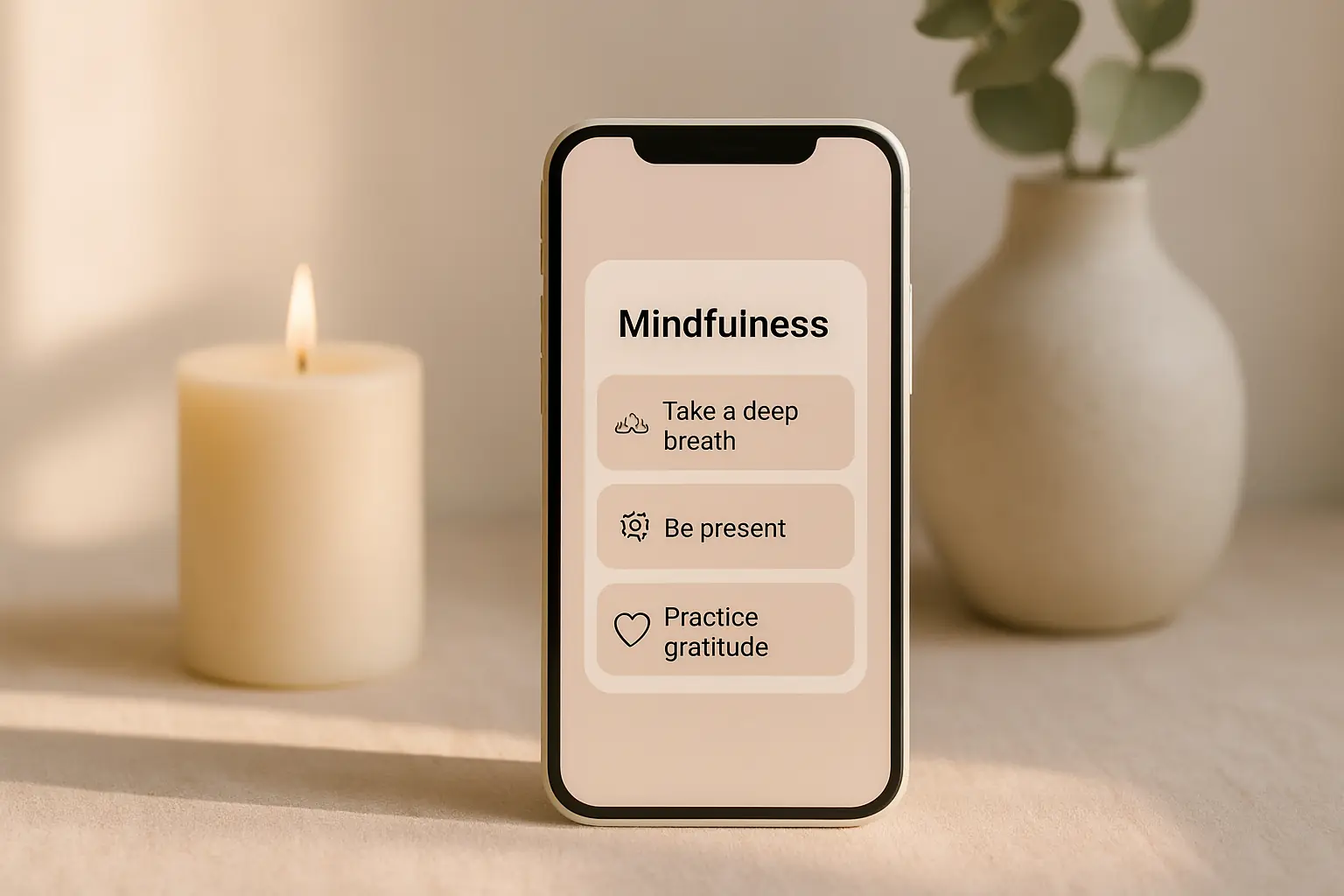
Mindfulness does not require a twenty-minute session to matter. A single line on your home screen can cue one slow breath before you jump into the next app. The widget is a pause button, not a lecture. Shine mindfulness categories use short prompts you can act on in five seconds between tasks.
Treat the widget as a pause button
Place it beside apps that trigger stress: work chat, news, or finance. The goal is a micro-pause, not a meditation lesson. One breath counts when you repeat it consistently.
Choose mindfulness quotes that invite action: notice your feet, unclench your jaw, or look away from the screen for one inhale. Action beats abstract words on a busy day.
If you never glance at the widget, move it to the lock screen for one week as an experiment. Placement changes often matter more than new quote text.
Mindfulness widgets pair well with Do Not Disturb schedules. The quote appears in quiet moments when you unlock without a flood of banners.
Sunday night anxiety benefits from calm lock screen copy. Swap to mindfulness category before Monday if weekend dread is your pattern.
Hospital or clinic waiting rooms are sensitive places for phone glances. Pick neutral mindfulness copy if you unlock in shared medical spaces often.
Reduce notification noise
Widgets refresh quietly. That beats hourly push alerts that feel like another task on the list. Silent cues fit open-office days and shared spaces better than buzzing phones.
Pick a calm design in Shine so the reminder feels like permission to slow down, not a scolding. Soft colors signal rest; harsh reds can feel like alerts.
Turn off duplicate mindfulness reminders elsewhere if you adopt a widget. One cue channel reduces alert fatigue and makes the habit easier to trust.
Breath counting apps and widgets can coexist if jobs differ. Widget cues one breath; the app handles longer sessions when you choose.
If you meditate occasionally, place the widget near the app icon as a visual bridge. Seeing both reminds you that short and long practices belong to the same habit family.
Short walks pair well with lock screen mindfulness lines read at the door. One breath outside beats ten minutes of doom scrolling when stress spikes.
Add mindfulness reminders in ShineStack with existing routines
Read the line when you sit down at your desk or after you park the car. Anchor the pause to something you already do daily so memory load stays low.
If mindfulness quotes blur together, switch categories to gratitude for a week, then return. Small variety prevents numbness without rebuilding the whole setup.
Pair the widget with a longer session app when you have time. The home screen line opens the door; a five-minute audio track can follow on weekends.
Open-plan offices make silent widgets preferable to spoken affirmations. Keep copy discreet and avoid prompts that feel odd if a coworker glances at your screen.
Mindfulness is not bypassing hard feelings. Skip quotes that demand constant positivity if your week is genuinely heavy; pick grounding language instead.
Questions
Is a mindfulness widget enough on its own?
It is a cue, not a full practice. Pair it with longer sessions when you have time.
Where should I place a mindfulness widget?
First home screen page or lock screen so you see it before diving into busy apps.