Face ID journal privacy on iPhone
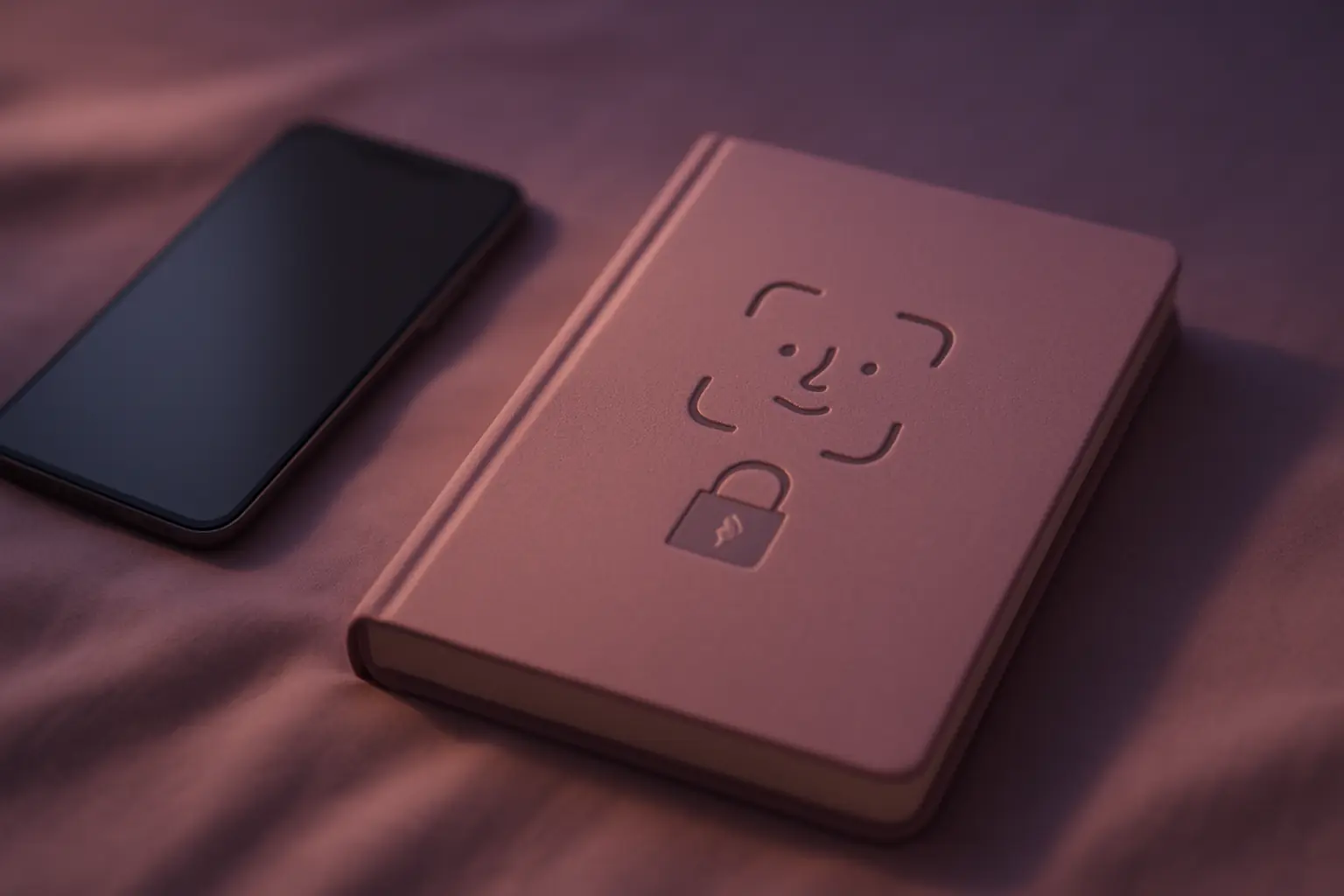
Journal privacy fails at the lock screen. Face ID on app open stops casual borrowing of your phone from becoming accidental exposure. Pair biometrics with backup awareness so privacy holds in real life, not just in marketing copy. Private journaling supports reflection between professional care visits. Flowy is waitlist-only; join on the landing page for release updates. Flowy is not therapy. If you are in crisis, contact local emergency services or visit https://www.iasp.info/suicidalthoughts/.
Secure a journal app
- Enable Face ID inside the app Require unlock every launch.
- Disable preview thumbnails If the OS or app offers preview hiding, turn it on.
- Review iCloud settings Know whether entries sync to cloud backups.
- Use a separate focus mode Optional: silence notifications while journaling.
Biometrics beat memorable pins for daily use
Short pins get shared during travel. Face ID keeps friction low while blocking shoulder surfers on the couch or train.
If you share devices with family, use a personal phone profile or separate device for sensitive journals when possible.
Re-enable protection immediately if you disabled it once out of frustration. A journal without a lock trains you to write less honestly over time because part of your brain expects exposure. Face ID fails should push you to fix setup, not disable security.
Pair the journal with a body cue: tea, lights dim, phone on Do Not Disturb. Rituals make the habit sticky.
A Face ID lock removes the friction of typing a code every evening, which is when tired people skip the entry. Low friction privacy is the only kind most people keep using.
Pins get shared, watched over shoulders, or reused from other accounts. Face ID reduces those failure modes for a private vent journal on iPhone. Still test the fallback path once so a swollen eye, mask, or failed sensor does not lock you out of your own evening check-in when you need it most.
Understand backup paths
Encrypted backups still matter when you replace phones. Know whether journal data lives only on device or in encrypted cloud sync.
Screenshots and shares are the weak link. A locked app cannot stop you from screenshotting an entry into Photos. Build a no-screenshot habit for vent pages.
Family shared iCloud accounts can complicate privacy. Prefer device-local encryption when available. Export or delete data before handing a phone in for repair if policy allows. Read the app's privacy policy before storing trauma content.
Crisis moments need people and hotlines, not an AI chat. Keep emergency contacts easy to reach outside the app.
Know how your phone unlocks if Face ID fails, and who else can reach those backups. Privacy planning includes lost-phone scenarios. A lock that only works when everything is fine is incomplete for a journal that holds private stress.
Lock entries on the Flowy waitlistPrivacy supports honest writing
You write differently when you trust the lock. Honest mood data helps weekly charts. Performative entries help nobody.
Flowy is not therapy. Strong privacy reduces accidental exposure; it does not replace professional support when you need it.
Honest entries produce useful weekly charts. Performative optimism in logs wastes your future review time. Write for yourself first. Privacy is what makes vent entries different from public posts.
Reread last month only with a purpose: spot triggers, not to relive every bad evening in detail.
If you fear a roommate glancing at the screen, you will soften the truth. Honest mood data needs a lock you trust, plus a habit of closing the app before you hand the phone over.
Questions
Does Face ID work with masks or sunglasses?
Device settings vary. Test your setup so failed unlocks do not push you to disable protection.
What if someone demands my phone unlocked?
Physical safety comes first. Journal privacy is important but not worth unsafe confrontation.