Gratitude widget ideas
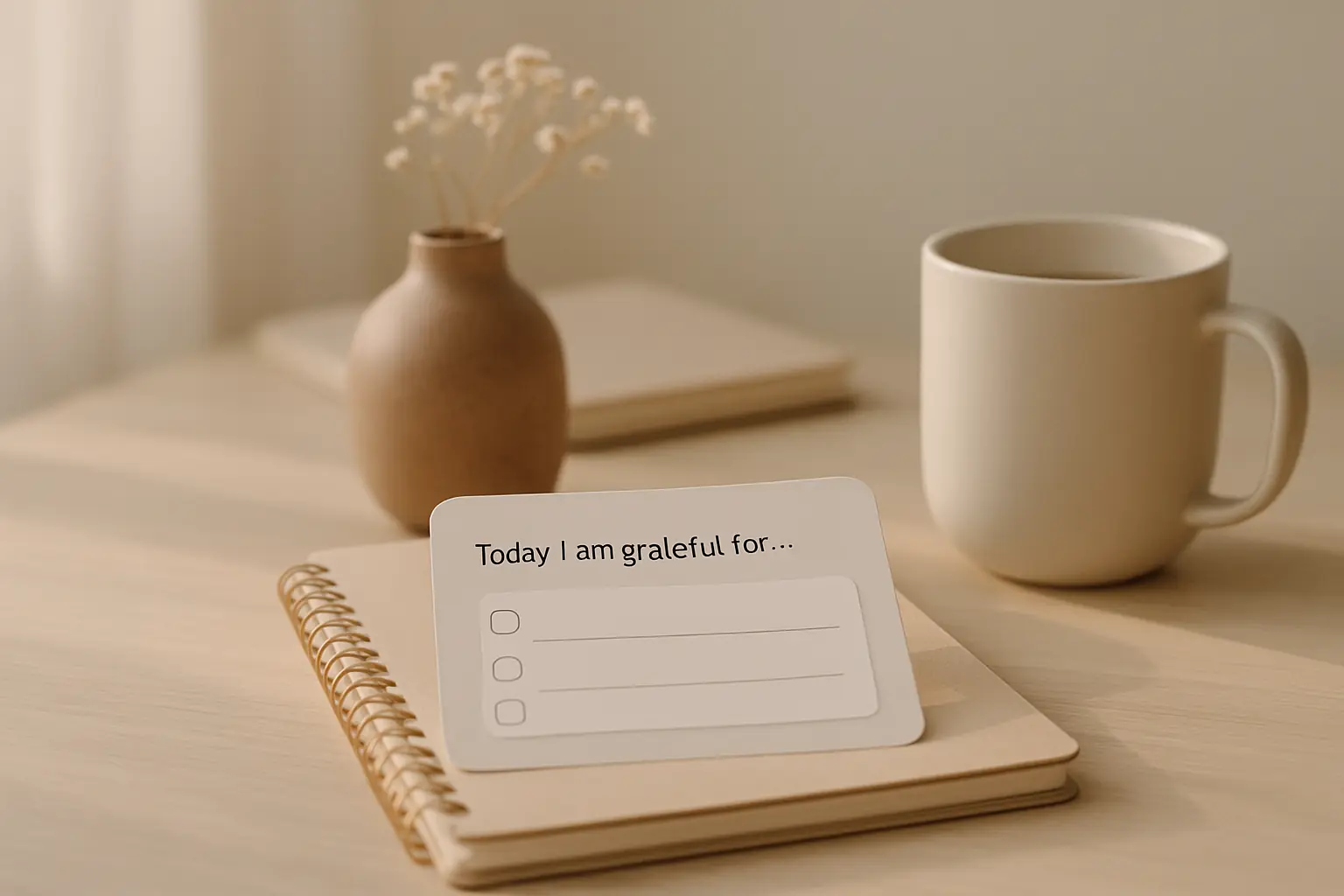
Gratitude widgets remind you to notice good moments without a long journal session. Short lines on the home or lock screen fit busy days when sitting down to write feels impossible. The widget is a ping, not a homework assignment. Shine gratitude categories rotate prompts so you always have a starting point even when your brain feels blank at 7 a.m.
Place gratitude where you already pause
Put the widget near apps you open every morning: calendar, weather, or messages. That pause is your cue to read one line and name one thing going well. Gratitude sticks when it piggybacks on existing phone habits.
Lock screen placement works if you check your phone before fully waking up. One calm line can set tone better than a flood of notifications competing for attention.
Avoid burying gratitude on the last home screen page. Out of sight really is out of mind for micro-habits that take less than ten seconds.
Gratitude works well beside a photos widget showing people you care about. The image plus prompt can spark a specific name instead of an abstract good vibe.
Holiday seasons make gratitude widgets feel natural. Use them in November or December, then keep the habit into January by switching to motivation if gratitude feels stale.
Voice memos to yourself can extend a gratitude widget line into a thirty-second note. The widget starts the thought; audio captures names and details you might forget by dinner.
Use prompts instead of empty pages
Gratitude widgets with rotating prompts beat blank journals for beginners. Lines about noticing a person, a small win, or a comfort item give you a starting point in two seconds without opening another app.
Switch to the gratitude category in Shine and pick a soft color palette. Loud designs fight the calm mood gratitude needs. Muted tones signal slow down, not hustle.
When a prompt repeats too often, refresh the design pack or pair the widget with a notes app for days when you want to expand the thought into a longer entry.
Evening gratitude placement helps if mornings are rushed. A lock screen line before bed can recap one good moment without adding another morning task.
Pair one weekly longer journal entry with daily widget glances. The widget starts the thought; the journal captures detail when you have ten quiet minutes.
Thank-you texts sparked by a widget line count as real gratitude practice. Send one message after reading if a person came to mind.
Try gratitude widgets in ShineKeep the habit tiny
One breath plus one thought counts. You do not need ten items on a list. Consistency beats depth for this habit. Missing a day is fine; deleting the widget because you skipped once is not.
Review monthly. If the same prompt repeats too often, refresh designs or change category temporarily. Variety prevents the line from becoming invisible background text.
Gratitude widgets complement therapy or journaling; they do not replace them. Use the widget as the front door and deeper tools when you have more time.
Kids can enjoy gratitude widgets on a family iPad if lines stay simple. Keep categories gentle and skip heavy introspection prompts on shared devices.
If gratitude feels forced, switch to mindfulness for a week. Returning to gratitude later often feels fresher than pushing through numbness on empty days.
Questions
Can gratitude widgets replace journaling?
They complement journaling. Widgets spark the habit; a notes app captures longer entries when you have time.
What size widget works best for gratitude?
Small widgets fit lock screens. Medium widgets show more context on the home screen.